 Image 1 of 7
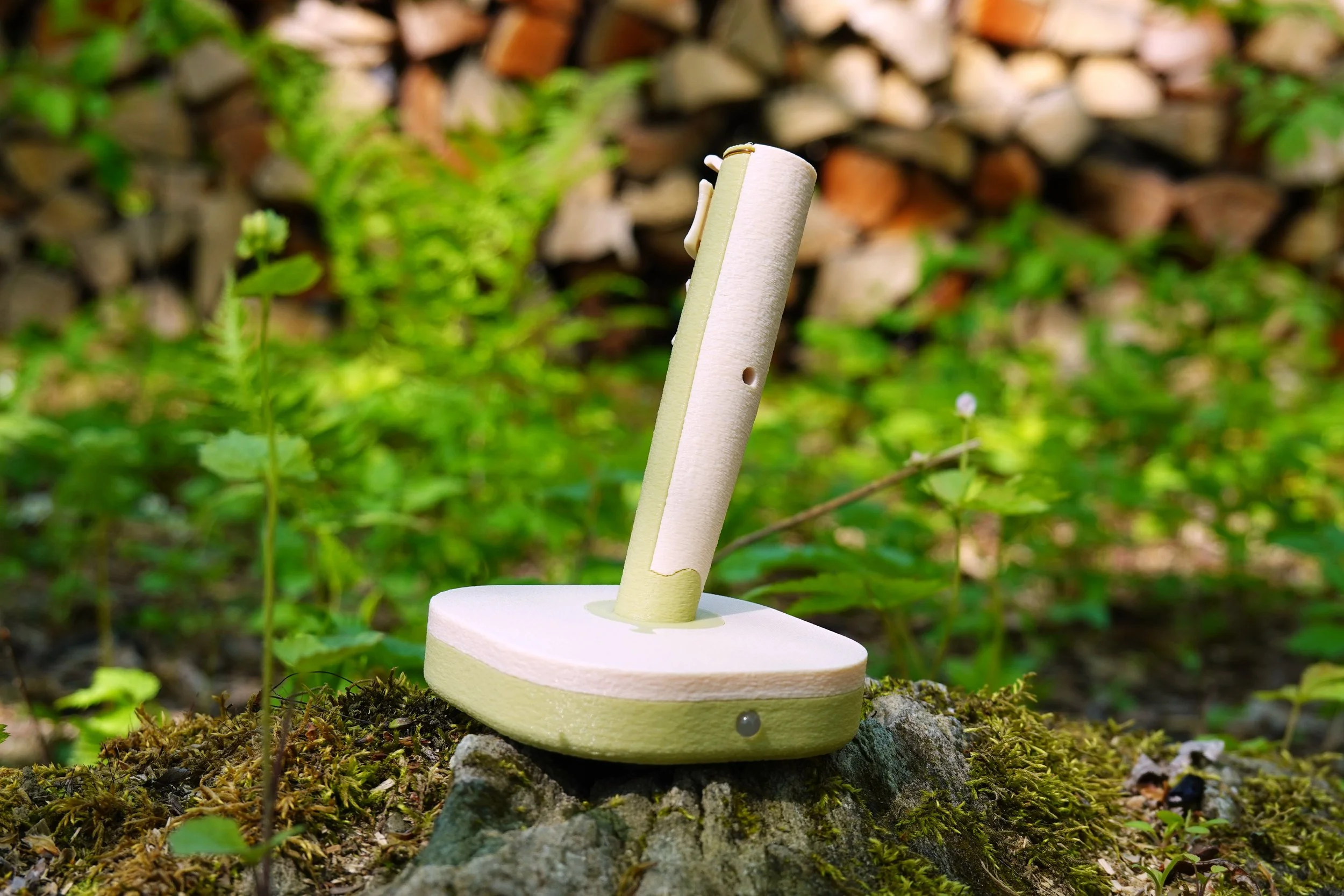 Image 2 of 7
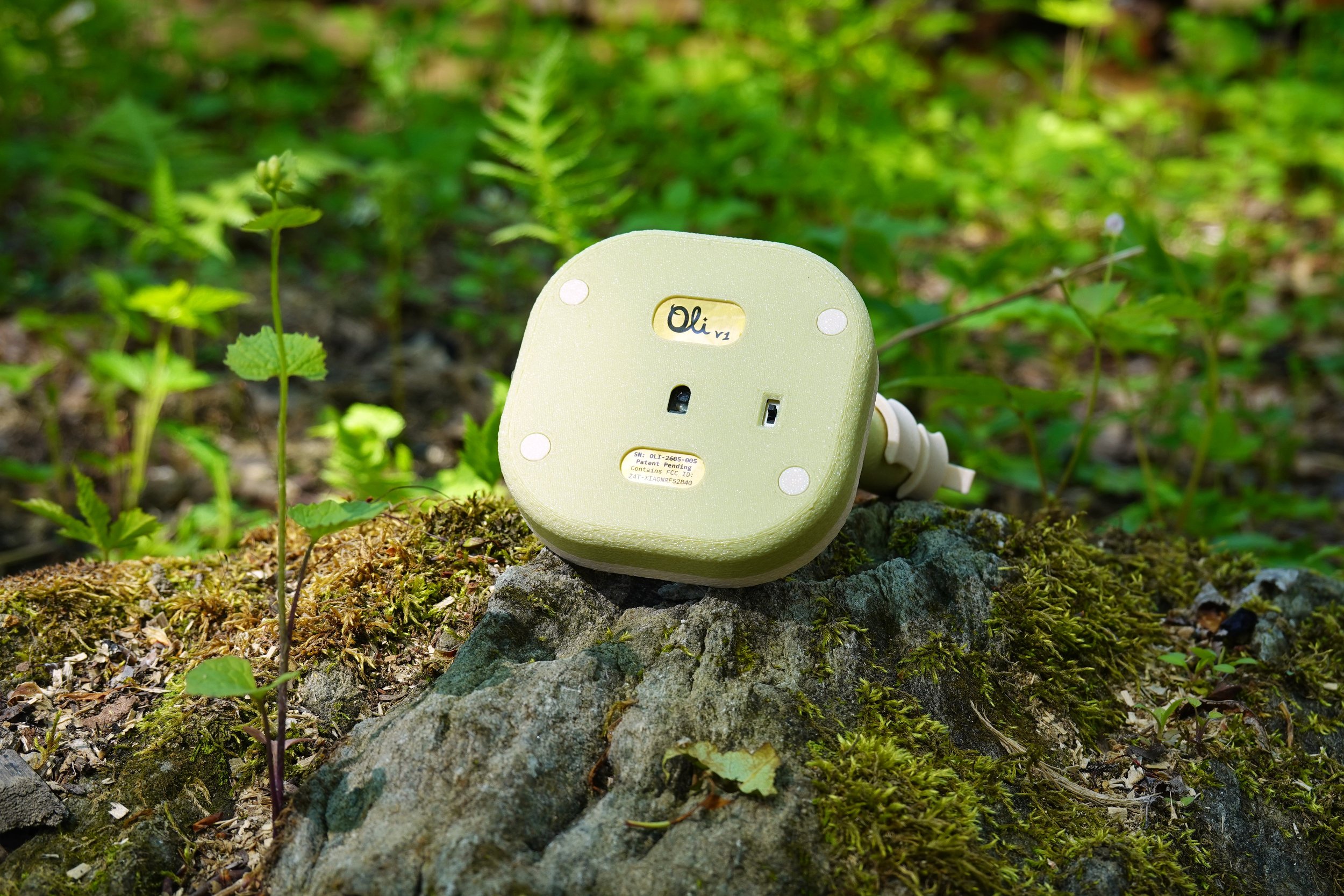 Image 3 of 7
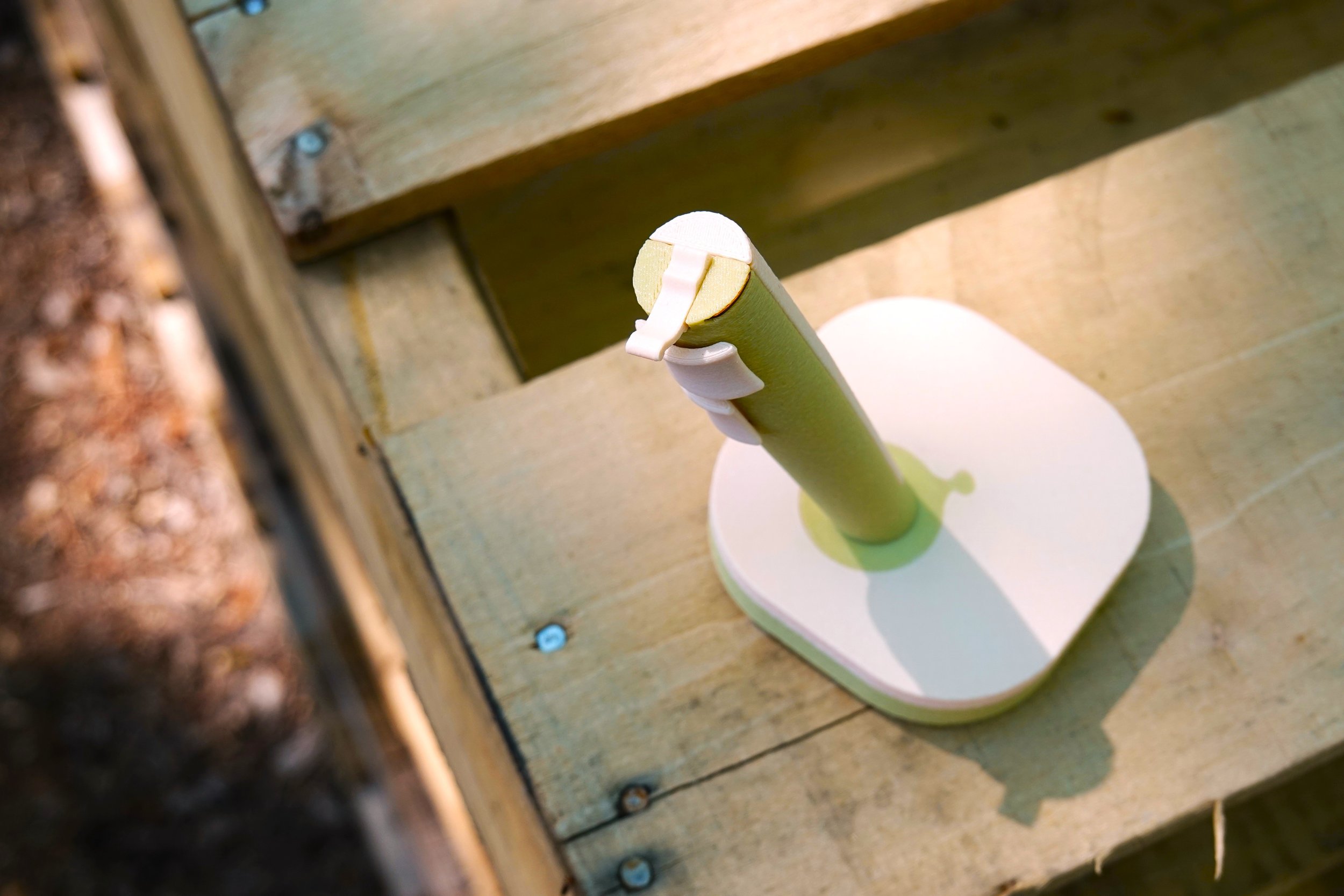 Image 4 of 7
 Image 5 of 7
 Image 6 of 7
 Image 7 of 7
Tilt-Action Wireless Functionality
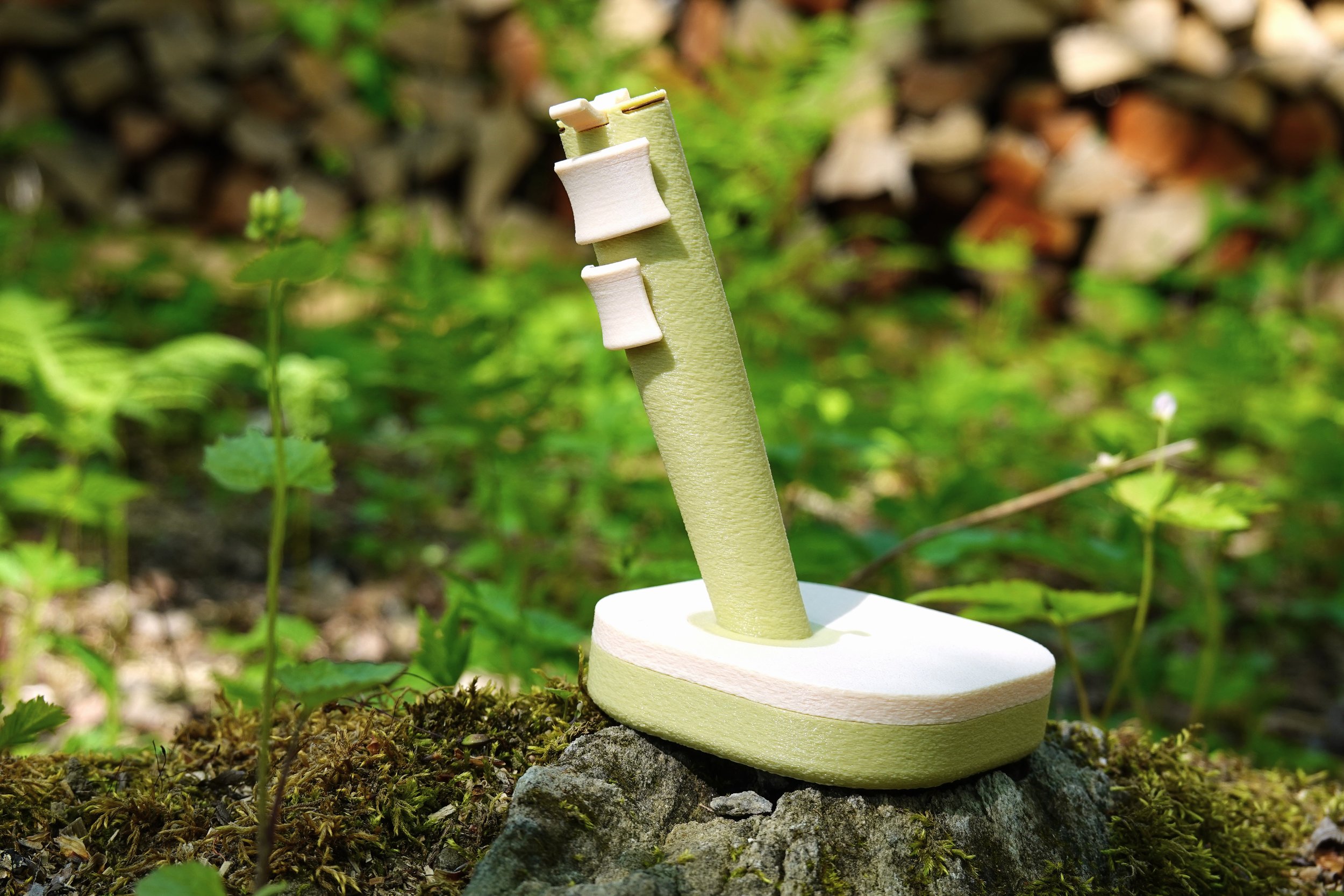
In addition to its unique form factor, Oli v1 incorporates tilt-action functionality for a more streamlined workflow. By simply tilting the mouse, you activate additional button layers — giving each button up to five distinct functions (and with onboard presets, up to fifteen) without ever reaching for the keyboard.
Three Button Layers for Enhanced Control
A built-in precision motion sensor detects the degree of tilt — measured against your natural grip angle, which the mouse learns automatically — and activates three distinct button layers:
- Normal (flat): Standard mouse operation — left, right, and middle click, with gaming-grade optical tracking.
- Tilt Remap Zone (17–54°): A slight tilt to the left or right unlocks a second set of actions. Scroll, copy, paste, and navigate — without lifting a finger.
- Tilt Shift Mode (55°+): A deeper tilt engages a full alternate layer, confirmed by a haptic pulse. Assign page navigation, task view, or any custom keyboard shortcut to each button.
Direction-Aware Middle Click
In both tilt layers, the middle click is direction-aware: tilting left and tilting right trigger different actions — up to five unique functions on a single button.
Three Onboard Presets
Store three complete button configurations on the mouse itself and switch between them anywhere, no software required: hold left + right click for a moment, feel the confirmation tap, and the LED blinks back the active preset number. One preset for work, one for browsing, one for play.
Custom Key Combos
Beyond the 12 built-in actions (click, scroll, back, forward, copy, paste, page up/down, and task view), any button in any layer can hold a custom keyboard shortcut of up to three keys plus modifiers. Assign Ctrl+Z for undo, Ctrl+Shift+T to reopen a tab — whatever your workflow calls for.
Web-Based Configurator
Configure your Oli v1 directly from your browser — no software download or installation required. Simply plug in the USB cable, open the configurator in Chrome or Edge, and customize everything:
Remap every button across all three layers and all three presets
Assign custom keyboard shortcuts to any button
Adjust cursor speed and scroll speed
Check battery level
Update the firmware in one click — improvements ship straight to your mouse
All settings are saved directly to the mouse and stay with it across every computer you pair.
Under the Hood
Brain: Seeed Studio XIAO nRF52840 microcontroller
Sensor: PixArt PAW3395 optical sensor for precise tracking on most surfaces
Connectivity: Bluetooth Low Energy — no dongle required, connects directly to your computer's built-in wireless
Battery: Rechargeable LiPo, charged via USB-C
Specifications
Connectivity: BLE HID (no dongle)
Sensor: PAW3395 optical, cursor speed adjustable 10–200%
Battery: Rechargeable LiPo via USB-C, with charging and low-battery LED indicators
Buttons: 3 (left, middle, right) with 11 mappable action slots per preset
Presets: 3 onboard profiles, switchable from the mouse itself
Tilt detection: precision motion sensor, three button layers with fully configurable actions, auto-calibrating grip angle
Haptic feedback: vibration confirmation for Tilt Shift engagement and preset switching
Configuration & updates: browser-based (Web Serial API — Chrome, Edge, Opera)
Pairing: remembers up to 3 devices